Aftermarket Intelligence Suite
Sell more parts with less capital on the shelf.
AIS runs on the data your ERP already holds and tells your team what to order, where to move stock, which part fits and what to charge. A person approves every decision.
The demo needs no call: enter your name and work email and it opens.

In practice
Common problems, and what AIS does about them
Five situations parts distributors deal with every week, and what changes when AIS runs on your data.
 DemandInventory
Today
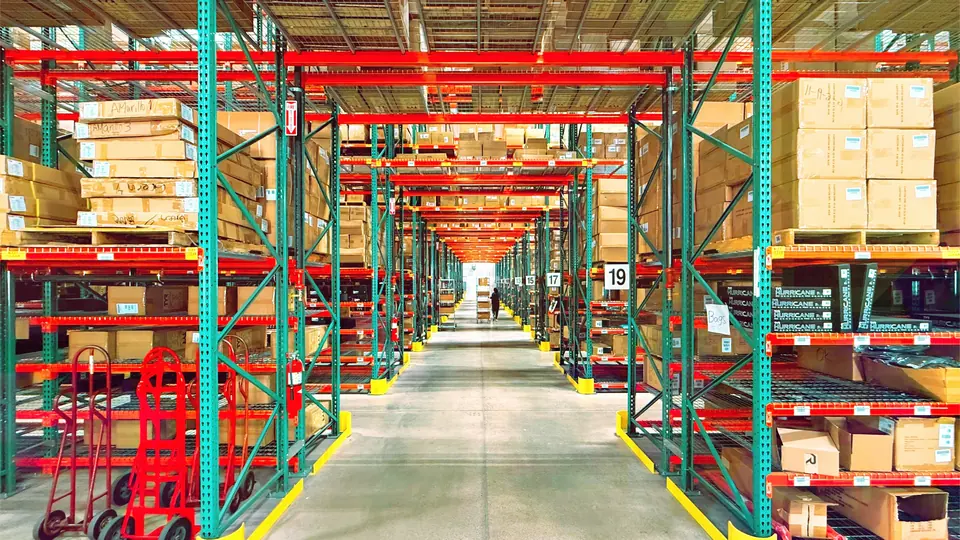
A customer asks for a part you sold out of yesterday, while slow movers fill the back shelves.
With AIS
You reorder what sells in each warehouse, and you see slow movers before more money goes into them.
 Inventory
Today
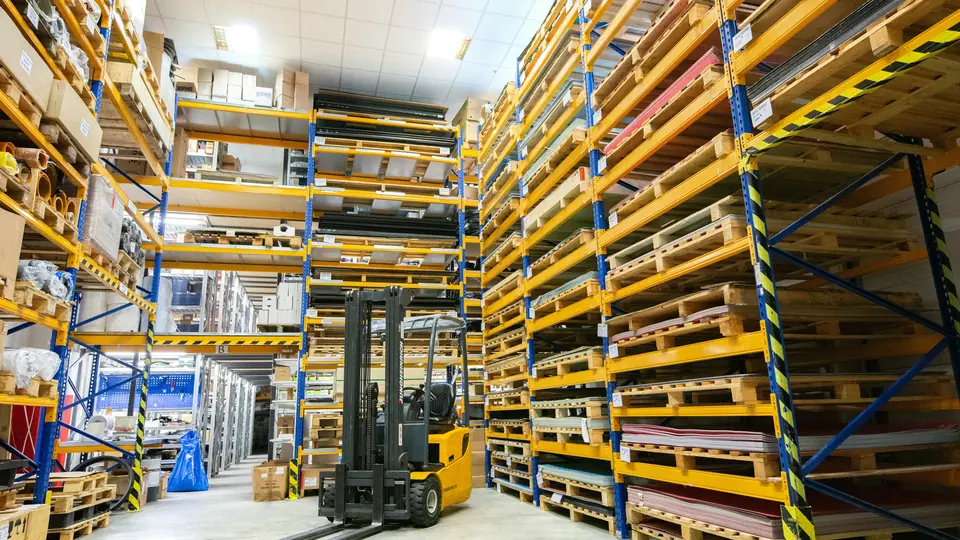
One branch is out of a part that another branch has on the shelf. Nobody knows until the order is lost.
With AIS
The customer gets the part from your other branch, and you skip a purchase you did not need.
 Catalogue
Today
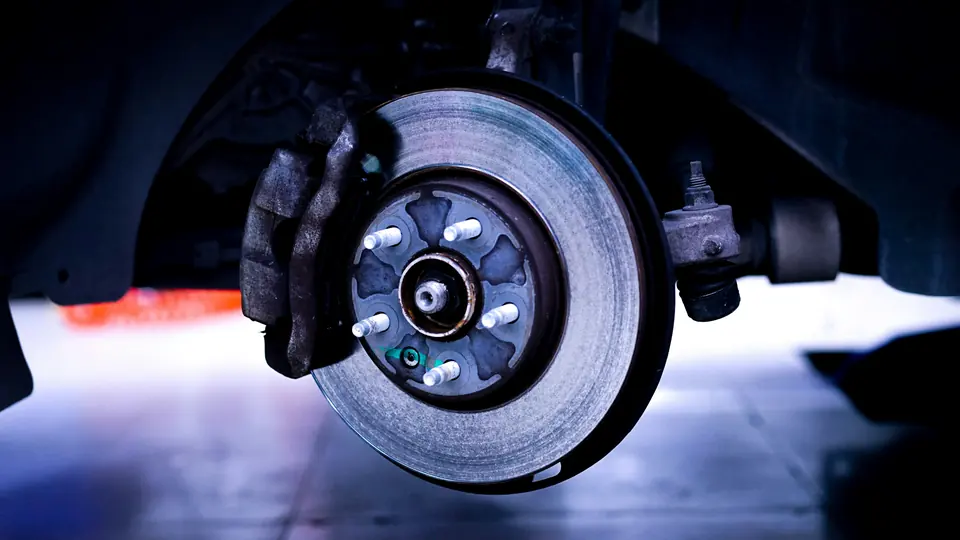
Finding the right brake pad for a vehicle depends on your most experienced salesperson, and a wrong one comes back as a return.
With AIS
Anyone on the counter finds the right part, and fewer wrong parts come back.
 Commercial
Today
A supplier raised prices last week, and quotes still go out on the old cost.
With AIS
The quote goes out at a price that keeps your margin, and you see which lines needed a change.
 Demand
Today
Reordering runs on a spreadsheet one person understands, and that person is on holiday.
With AIS
Ordering carries on when someone is away: anyone on the team can read the plan and the reasons behind it.
Each of these is in the demo, on sample data.
Try the demo
Modules
Four modules. Start with one.
Each module runs on its own data. Add a second and they share signals, so each one works from better inputs than it would alone.
Demand
Forecasts by part, warehouse and week, with the reasons next to the number.
- A range on every forecast, so planners see the uncertainty
- Drivers shown: weather, vehicle age, holidays, quotes lost to missing stock
- Separate methods for new and slow-moving parts; short history is flagged, never forecast as zero
- Planner adjustments stored apart from the forecast, each with a reason
With other modules
- + InventorySafety stock sized from forecast confidence
- + CatalogueForecasts follow the vehicles each part fits
- + CommercialLost quotes and account changes feed the forecast
- All fourDecisions and outcomes retrain every module. The chat assistant comes on top: ask about demand, stock, parts and prices in your own words.
Designed behaviour of the connected suite.
Pilot
Start with one module for 30 days
We do the setup
We map your exports and run the first pass. Your team reviews what AIS proposes.
Your numbers
Results on your own data, compared with the 30 days before.
Your call
On day 30: continue, add a module, or stop.
Day 1
First look. You send ERP exports; you get first results and a list of data gaps.
Week 1
Review. Your team approves, edits or rejects; AIS learns from each one.
Week 2
Daily rhythm. The plan refreshes every morning; alerts flag what changed.
Day 30
Results. On the numbers your module moves, and your decision.
Design partners
5 spotsBuild AIS with us
We are taking on five parts distributors and e-stores as design partners. Partners run AIS on their own data before anyone else, decide what it does next, and pay a partner rate.
Open until the five spots are filled.
What partners get
First access
Run the module you need most on your own data, before AIS is released.
A say in the roadmap
Your requests decide what gets built next, and in what order.
Partner pricing
A reduced rate on the pilot and the subscription, reserved for design partners.
A direct line to the engineers
You work with the people who build AIS, without a support queue in between.
How joining starts
A 30-minute call
We find the decision that costs you most today and the module that fits it. If it is a match, the 30-day pilot starts on your data.
What we ask in return
- A monthly feedback session
- One reference call with a prospective client
- Permission for an anonymised case study
Let's talk
Questions buyers ask
Which ERP systems does AIS work with?
AIS starts from file exports, so any system that can export parts, stock, sales and purchases works. Direct connectors come later, per system.
Does AIS change anything in our ERP?
No. Results come out as dashboards and file exports. Writing back to the ERP comes later, once the numbers have earned it.
Where is our data hosted?
In the EU, in a separate database for each client.
Who owns the data and the results?
You do. Your data and everything AIS produces from it stay yours, with no limits on how you use them.
What does it cost?
It depends on the modules you pick and the size of your range. Ask for a quote in the form and we reply with one.